Samsung investigates Galaxy S26 Ultra red tint defect: Here's how to fix it
Samsung Galaxy S26 Ultra users report red tint issues on displays months after purchase
Published July 14, 2026
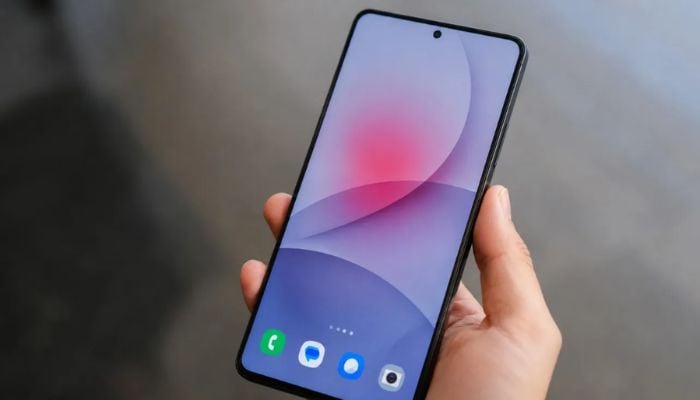
Samsung users are massively reporting a red tint defect with Galaxy S26 Ultra that is developing on their device displays months after the purchase.
The company is currently investigating the root problem and cause of the defect.
The reports from affected users indicate that there’s a pinkish or red hue appearing in the center of their screens, developing gradually after two to three months of use.
This issue is linked to the new privacy display feature, a hardware-based technology that uses pixel-level modifications to block viewing from single sides. Industry experts suggest that altering the light-emitting structure to achieve this privacy effect may have compromised screen uniformity, potentially leading to a red tint.
For an immediate solution, try to:
Adjust colour settings manually
Samsung’s support documentation acknowledges colour variations in AMOLED screens. Therefore, go to settings, display, and then screen mode. Switch to void or natural and manually adjust the “white balance” using the RGB sliders. Then, reduce the red channel to neutralise the tint.
Check privacy display
Turn off “privacy display” in settings. See if the red tint diminishes or disappears. If it does, consider using privacy display only when absolutely necessary.
Test in safe mode
Boot your phone in “safe mode” to rule out third-party app interference. If the tint disappears, a recently installed app may be causing software-level colour shifts.
If the issue persists, file a warranty claim and contact Samsung Support.
For your device's safety, do not attempt any DIY repairs or open the device, as it will void your warranty.